By URL
On YouTube use the “share” button and checkmark the “Start at” and if you then copy the URL it will have t parameter that starts for time. If you use a URL like that it will just work and is this is not ARVE specific.
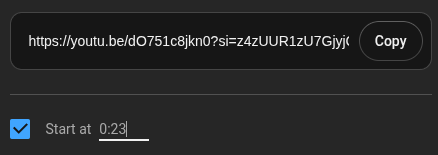
https://youtu.be/dO751c8jkn0?t=23For Vimeo the URL with the starting time have the time at the end of the URL after a hash like this
https://vimeo.com/124400795#t=62By Block or Shortcode attribute
You can also set the start parameter on shortcodes and blocks. It needs to be the time in seconds. For example start=62 where the 62 is the starting time in seconds so this will start the video at 1 minute and 2 seconds.
[arve url="https://youtu.be/hRonZ4wP8Ys" parameters="start=62" /]